There’s never been a time like we live in today. We can snap a thousand pictures on our phones a day. We can pull out our device, open up a note or document, and write to our heart’s content. Have a thought or song idea? Pull out your smartphone and record it quickly.
The best part? File storage is so large and mobile that we don’t have to worry about losing space (until your iPhone storage fills up in the worst possible moment).
We often take for granted how easy it is to create and save files. We assume that they’ll last forever, as they aren’t at risk of getting lost or ruined like physical photos or paper.
Or can they?
When you break down the most common files we use every day, you’ll find they are actually pretty fragile. And there are several ways that your most important files can “disappear” without warning.
The Truth About “Forever Files”
We put a lot of trust in our cloud storage and external hard drives. But when you click “save”, you aren’t saving files forever. In most cases, you’re saving them for now. Every part of the chain (your storage device, your apps, your file formats) has a lifespan.
Should any part of that digital chain break, you can potentially lose access to your files. The file may “exist”, but it becomes trapped.
Here’s an example. Those who stored their photos on CDs or DVDs in the early 2000s now have trouble finding a computer that still has a drive to read them.
And if they do find a disc drive, the discs themselves may have physically deteriorated to the point that the data can’t be read. They were saved, but not saved forever.
How Do Digital Files Live and Die?
Every digital file is a long string of tiny 0s and 1s stored on a physical device.
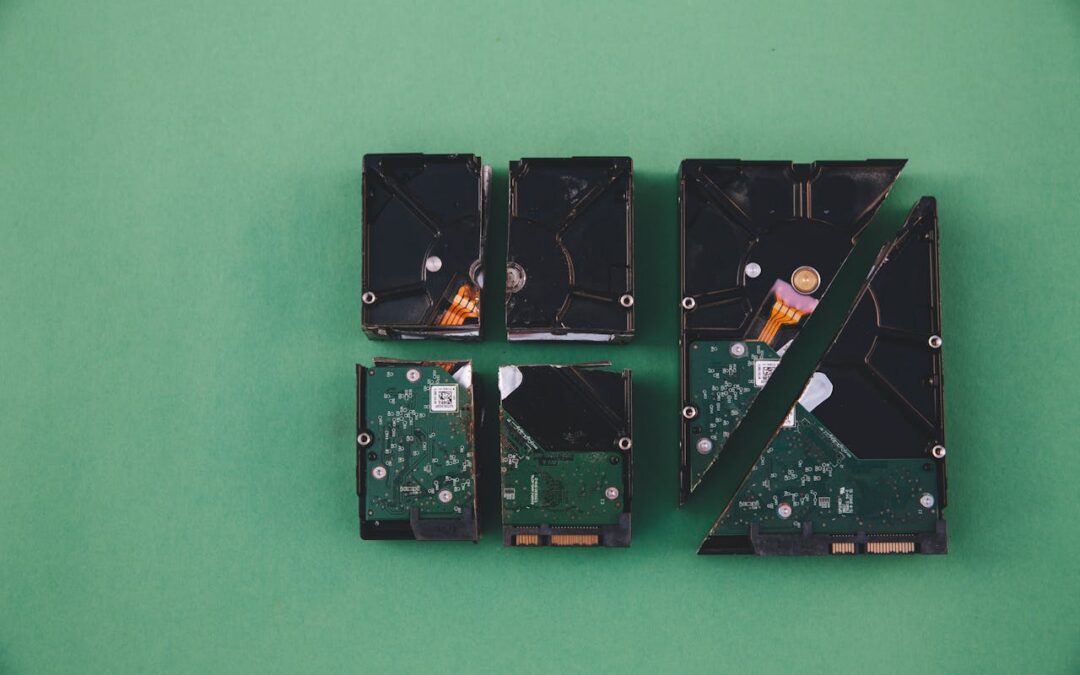
Whether you save your files on an SSD (Solid State Drive), HDD (Hard Disk Drive), or even in cloud storage on a server somewhere across the world, those are all still physical items. That means they can age, wear out, or be damaged. Even the most well protected devices can fail unexpectedly.
For a file to stay usable for a long time, three things must survive together:
1. The storage media (the device that holds the file)
2. The file format (the way that the data is structured)
3. The software and hardware (the system that interprets and opens the file)
Should any of those layers fail or be damaged, your file can potentially be lost forever.
When It’s Not the File That’s Gone Bad
Even if each bit in a file is completely fine, your files can still be rendered useless if nothing on your device knows how to open it. This is referred to as “format obsolescence”, and it’s more common than you might expect.
A great example is old Flash files. Flash games and animations may no longer run on modern browsers because most have dropped Flash support completely. Similarly, files that are saved on floppy discs may still be functional, but you can’t use them if there’s no floppy drive to read them.
Even physical devices have expiration dates. Hard drives and SSDs can fail after years of use. “Disc rot” can happen on optical discs as the reflective layers of the disk wears down.
Cloud storage may feel safer, and in many ways this is one of the most effective file storage options. But even these can fall victim to server hardware failures, account lockouts, service shutdowns, policy changes, etc.
What About “Bit Rot”? Can Data Decay?
You may have heard of “bit rot”. No, not brain rot. This is a name for the gradual corruption of digital data over long periods of time.
One or more of the tiny bits in a file’s data structure can flip (a 0 becomes a 1, or vice versa) and make the file inoperable. But how? Aging hardware, device manufacturing defects, sudden temperature swings, or magnetic interference, even cosmic rays, can cause what is called a “soft error” and damage data unexpectedly.
What does bit rot look like? You may find that a file that worked perfectly fine one day glitches out the next. Videos can freeze or stop unexpectedly. Photos won’t open or seem damaged. Documents can crash your computer.
The worst part of bit rot? It doesn’t announce itself. Everything looks fine in your file list until you try to open the file. By then, it may be too late to recover the data.
Habit To Keep Your Files Alive Longer
It’s not all doom and gloom when it comes to files. There are a few things you can do to help protect your data and keep files living longer.
1. Keep Multiple Copies of Your Files
It may seem redundant to save multiple copies of the same file, but you’ll be glad you did when the original files go bad!
2. Store Your Files in Multiple Places
Once you’ve created those redundant files, you’ll want to save them in multiple locations. This helps protect you from bit rot and device failure. Save in both cloud storage and external hard drives.
3. Use Common, Widely-Supported File Formats
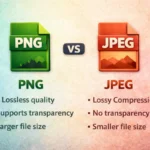
When saving and exporting data files, try to use file formats that are supported by most programs. For documents, opt for PDF formats. For images, use JPEG and PNG. Other file formats may be enticing to use, but may not be as widely supported.
4. Refresh and Migrate Your Data Periodically
Every few years, move your files to new storage and convert any aging file formats to current ones. Treat it like you would a smoke detector, because a small effort today can prevent a much bigger loss down the road.
5. Test Your Backups
Don’t fall victim to the set-it-and-forget-it style of secondary storage. Don’t assume that moving files to your external hard drive means it’s safe forever. Test those devices from time to time just as well!
It’s Time to Rethink What “Save” Really Means
As you can see, it’s important for all of us to shift our mindset when it comes to our files.
Clicking “save” doesn’t mean you’re saving the file forever. It really means “start the clock”. Digital files depend on your hardware, software, and storage, all working as technology continues to change and advance.
If your files matter to you, then take the right steps to protect them. A small amount of intentional effort now can help save some of the most important data you have.
In the end, your files aren’t fragile because technology is bad. They’re failing because technology is always advancing. You need to make sure you’re getting smarter about your technology as well!