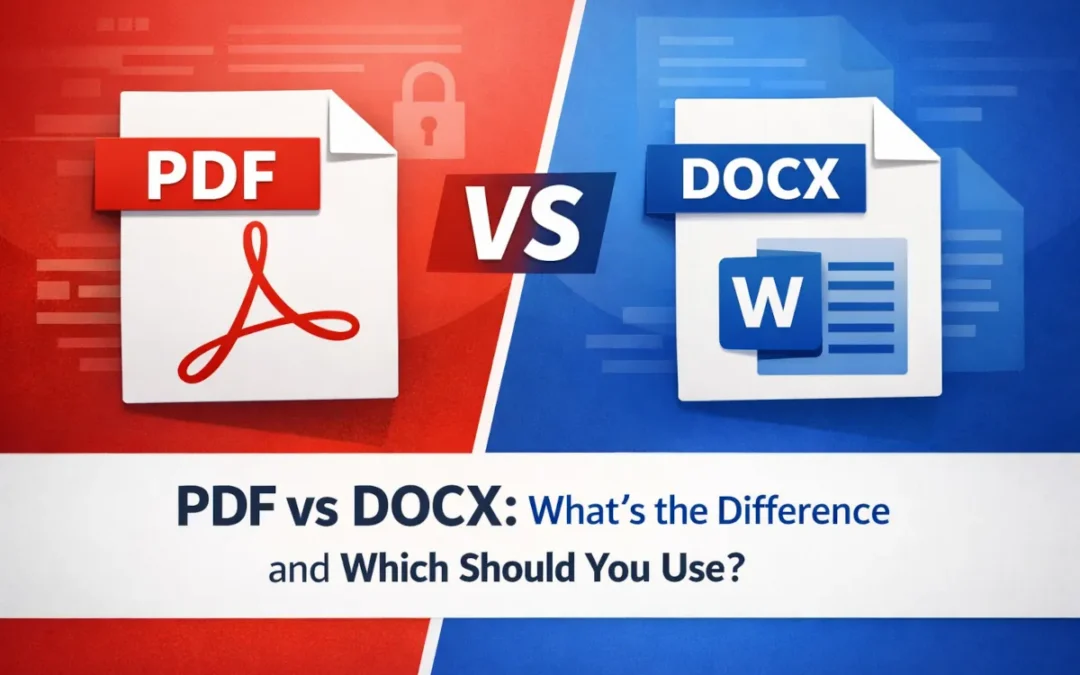
Pick PDF or DOCX wrong and you look like a noob to the person opening the attachment. Pick right and nobody notices the format at all. That is the whole point.
There is a specific kind of panic that hits when you realize a 20 page proposal you spent all night on looks like a ransom note because your client opened a DOCX on an iPad.
I’ve lost count of how many ‘quick’ projects turned into three day formatting wars simply because someone picked whatever format popped up first in the save menu. That blind guess creates a lot of unnecessary back and forth.
What is a PDF File?
Adobe built the Portable Document Format decades ago to fix a very specific headache in the corporate world. Back in the early nineties, computers could not talk to each other easily.
People using Mac, Windows, and UNIX machines could not share files without destroying the text alignment. This format isn’t very flexible but relies entirely on a fixed layout concept.
A PDF stores a fixed-layout description of the page. It is designed to preserve fonts, spacing, and image placement consistently across different devices and software, though results can still vary in edge cases.
It locks the visual structure. You do not need the other person to have the exact same software installed on their machine to view it properly. The International Organization for Standardization actually made it an official standard under ISO 32000.
It acts as a global baseline for document viewing.
What is a DOCX File?
Microsoft Word uses DOCX as its default file type in modern versions. DOCX is based on the Office Open XML format.
A DOCX file is a ZIP package that contains XML files and related assets such as images, styles, and document settings. If you rename the file extension to .zip and extract it, you can inspect those internal files.
Why DOCX is used for writing?
That XML structure in the DOCX keeps the file incredibly fluid. The text wraps around images dynamically. You write, delete, and move things around without fighting the software.
It handles deep editing and active collaboration easily because the file is constantly recalculating where the words should sit on the screen.
What are the Key Differences Between PDF and DOCX?
See how the two formats behave side by side and you’ll skip those frustrating display hiccups later in the day.
Core Differences
| Criteria | DOCX | |
|---|---|---|
| Editing Capability | Harder to edit and often needs PDF software | Built for easy editing |
| Compatibility | Usually opens smoothly in browsers and PDF viewers | Works best in compatible document apps |
| Security | Can support passwords, restrictions, and signatures | Can be protected, but is generally easier to change |
| File Size | Often larger, especially with images and embedded fonts | Often smaller and lighter for drafts |
Editing Capability
You own the text in a DOCX file. You can change anything instantly. You can delete whole sections and the remaining text flows upward to fill the gap.
PDF is usually less convenient to edit than DOCX because it is designed for fixed layout. Many PDF edits require dedicated PDF software, though some browsers and apps support limited editing features.
Compatibility
You can open a PDF on practically anything. A browser, a phone, a cheap tablet. DOCX is trickier. It needs compatible software and formatting can shift depending on which app opens it. I have seen clean Word documents turn into a mess just from being opened in Google Docs.
Security
People can and will alter numbers accidentally if you leave the file open for editing. Whenever I send an invoice, I make sure to switch to PDF. I don’t want no one to be editing my invoice. Plus, PDF lets you apply passwords to lock the text down.
DOCX files do support security features such as password protection and restricted editing, but they are still usually less suitable than PDF for fixed-layout distribution.
File Size
DOCX is incredibly light because it heavily compresses that XML data. You can store thousands of them on a cheap thumb drive. PDFs get heavy fast. PDFs can embed fonts and include images and other assets so the layout stays more consistent across systems.
Which Format is Better for Editing?
DOCX wins this category easily. You use it when the project is still alive and changing on a daily basis. The format natively supports tracking changes.
Coworkers can leave angry comments in the margins for you to review. Multiple people can co-author a single document in real time using cloud software like Microsoft 365. It exists specifically for the messy drafting phase.
Trying to collaborate on a team project using a PDF is a horror story that usually involves people emailing confusing bulleted lists of requested changes.
Which Format is Better for Sharing?
The second you need to send a finished piece of work outside your company you switch to PDF. I hate opening a vendor pitch deck in DOCX only to watch the margins collapse because my local version of Word is out of date.
PDF eliminates that problem. Fonts are embedded. The layout looks the same on their screen as it does on yours.
Which Format is More Secure?
PDF handles strict legal and financial security requirements. You can encrypt the file heavily. You can set specific password protections to stop people from printing physical copies or copying your text blocks to their clipboard.
PDF commonly supports digital signature workflows and is widely used for signed documents. DOCX files are easier to edit, which makes them unsuitable for final contracts. They offer very little control over distribution.
There is also a metadata risk. If you forget to turn off track changes before sending a DOCX, the client can sometimes see the hidden comments and deleted text you thought you removed.
PDF vs DOCX for Different Use Cases
You can follow this use case decision matrix.
| Document Type | Recommended Format | Reason |
|---|---|---|
| Resumes (Online Portal) | DOCX or text-based PDF | Many ATS systems can read both, but DOCX is often the safer default unless the employer asks for something else |
| Resumes (Direct Email) | Keeps your formatting cleaner and more consistent for human readers | |
| Contracts | Better for fixed formatting and commonly used for signature workflows | |
| Reports | DOCX | Better for drafting, editing, and team collaboration |
| Internal Documents | DOCX | Easier to update, revise, and reuse over time |
Resumes
Job seekers panic about this constantly. Human resources departments feed incoming resumes into Applicant Tracking Systems (ATS) to scan for specific job keywords.
Many employers use ATS software. Some older systems parse DOCX more reliably than PDF, but many modern ATS platforms can read text-based PDFs correctly.
Image based PDFs can cause parsing problems, and some systems still handle DOCX more reliably. When an employer does not specify a format, DOCX is often the safer choice for online applications.
If you are emailing a human hiring manager directly, attach a PDF. It proves you know how to format a clean professional page.
Contracts
Never send a legal agreement as a DOCX file. The other party can easily alter the terms before sending it back to you. You might sign something you did not agree to. Use a PDF to freeze the text and collect secure digital signatures.
Reports
Write the quarterly report draft in DOCX. Let your team add their notes and fix typos. Export the final polished version to PDF before you present it to the board of directors so nobody accidentally deletes a chart during the meeting.
Internal Documents
Keep your standard operating procedures in DOCX. Teams will always need to update those processes eventually. Locking an internal company manual in PDF just creates extra work for the person who has to update the employee handbook next year.
Why Do DOCX Files Lose Formatting?
You open a file and the paragraphs are a total mess. The tables are broken. It usually comes down to the software differences. You drafted the brief in Word 2024.
Your client opened it using some free open source software they found online. Version incompatibility ruins layouts instantly. Missing local fonts force the computer to guess what typeface to use.
The computer usually guesses wrong and substitutes a wider font. That wider font pushes a single word onto the next line. That single word pushes an image down. The entire document breaks.
I have tried uploading heavily formatted DOCX files into Salesforce file attachments and the system routinely strips out all the bullet points and bold text.
When Should You Convert DOCX to PDF?
Printing from different apps or systems can change how a DOCX file is laid out. Converting to PDF locks the layout before printing and lets you add password restrictions. It is not bulletproof, but it is significantly more controlled than sending a live DOCX.
Choosing Between PDF vs DOCX
Still not sure which to use? Ask yourself one question: is anyone still editing this? If yes, DOCX. If no, PDF.
- Need active editing? Choose DOCX.
- Need team collaboration? Choose DOCX.
- Reached the final version? Convert to PDF.
- Sharing externally? Send the PDF.
- Printing physical copies? Use the PDF.
Frequently Asked Questions
Which is better, PDF or DOCX?
Neither is universally better. PDF handles sharing and preserving formatting perfectly across different operating systems. DOCX dominates active editing and writing tasks.
Is a PDF better than a Word DOC?
PDF works significantly better for external distribution to clients. It fails for active team drafting.
Is PDF bigger than DOCX?
Often, yes, but not always. PDFs can be larger than DOCX files because they may embed fonts and include high-resolution assets, but the final size depends on the content and export settings.
Do companies prefer DOCX or PDF?
Companies strongly prefer DOCX for internal collaboration. They prefer PDF for external client communication and legal records.