Most people assume digital files are permanent. You hit save, the file exists, and that feels like the end of the story. There is no torn photograph, no faded ink, no physical sign of decay to warn you that anything is wrong.
That assumption does not hold up. Files are more fragile than they look, and the ways they disappear are less obvious than a deleted folder or a crashed hard drive.
Sometimes a file exists perfectly in your file list and still cannot be opened. Sometimes the storage that worked fine last year silently fails this year, with no warning in between.
The fragility is not limited to rare edge cases either. Photos, documents, videos, and even simple text notes are all exposed to the same risks, just on different timelines depending on how and where they are stored.
Here is what is actually happening behind the scenes, and what you can do to make sure your files outlast the assumptions you are currently making about them.
The Truth About “Forever Files”
You put a lot of trust in cloud storage and external hard drives, often without fully understanding what could go wrong with either one. But when you click “save”, you aren’t saving files forever. In most cases, you’re saving them for now. Every part of the chain (your storage device, your apps, your file formats) has a lifespan.
Should any part of that digital chain break, you can potentially lose access to your files. The file may “exist”, but it becomes trapped.
Here’s an example. Those who stored their photos on CDs or DVDs in the early 2000s now have trouble finding a computer that still has a drive to read them.
And if they do find a disc drive, the discs themselves may have physically deteriorated to the point that the data can’t be read. They were saved, but not saved forever.
How Do Digital Files Live and Die?
Every digital file is a long string of tiny 0s and 1s stored on a physical device.
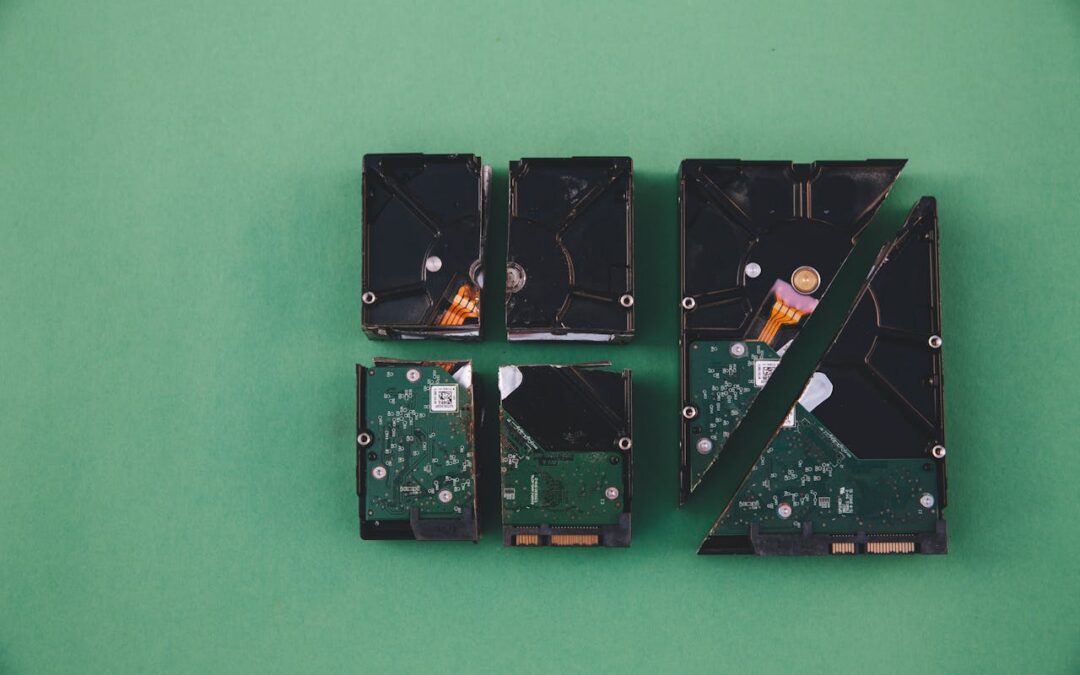
Whether you save your files on an SSD (Solid State Drive), HDD (Hard Disk Drive), or even in cloud storage on a server somewhere across the world, those are all still physical items. That means they can age, wear out, or be damaged. Even the most well protected devices can fail unexpectedly.
For a file to stay usable for a long time, three things must survive together:
- The storage media (the device that holds the file)
- The file format (the way that the data is structured)
- The software and hardware (the system that interprets and opens the file)
Should any of those layers fail or be damaged, your file can potentially be lost forever.
When It’s Not the File That’s Gone Bad
Even if each bit in a file is completely fine, your files can still be rendered useless if nothing on your device knows how to open it. This is referred to as “format obsolescence”, and it’s more common than you might expect.
A great example is old Flash files. Flash games and animations may no longer run on modern browsers because most have dropped Flash support completely. Similarly, files that are saved on floppy discs may still be functional, but you can’t use them if there’s no floppy drive to read them.
Even physical devices have expiration dates. Hard drives and SSDs can fail after years of use. “Disc rot” can happen on optical discs as the reflective layers of the disk wears down.
Cloud storage may feel safer, and in many ways this is one of the most effective file storage options. But even these can fall victim to server hardware failures, account lockouts, service shutdowns, policy changes, etc.
What About “Bit Rot”? Can Data Decay?
You may have heard of “bit rot”. No, not brain rot. This is a name for the gradual corruption of digital data over long periods of time.
One or more of the tiny bits in a file’s data structure can flip (a 0 becomes a 1, or vice versa) and make the file inoperable. But how? Aging hardware, device manufacturing defects, sudden temperature swings, or magnetic interference, even cosmic rays, can cause what is called a “soft error” and damage data unexpectedly.
What does bit rot look like? You may find that a file that worked perfectly fine one day glitches out the next. Videos can freeze or stop unexpectedly. Photos won’t open or seem damaged. Documents can crash your computer.
The worst part of bit rot? It doesn’t announce itself. Everything looks fine in your file list until you try to open the file. By then, it may be too late to recover the data.
It’s not all doom and gloom when it comes to files. There are a few things you can do to help protect your data and keep files living longer.
- Keep Multiple Copies of Your Files
- Store Your Files in Multiple Places
- Use Common, Widely-Supported File Formats
- Refresh and Migrate Your Data Periodically
- Test Your Backups
It may seem redundant to save multiple copies of the same file, but you will be glad you did the day your original file becomes corrupted or your main storage device fails without warning.
Once you’ve created those redundant files, you’ll want to save them in multiple locations. This helps protect you from bit rot and device failure. Save in both cloud storage and external hard drives.
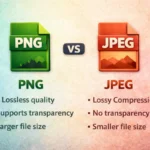
When saving and exporting data files, try to use file formats that are supported by most programs. For documents, opt for PDF formats. For images, use JPEG and PNG. Other file formats may be enticing to use, but may not be as widely supported.
Every few years, move your files to new storage and convert any aging file formats to current ones. Treat it like you would a smoke detector, because a small effort today can prevent a much bigger loss down the road.
Do not assume a backup is working correctly simply because you set it up once and walked away. Storage devices fail silently more often than people expect. Test those devices from time to time, since a backup you have never actually opened is not a guarantee, it is an assumption.
The Clock Is Ticking
Clicking save does not mean saving forever. It means starting the clock. From that point forward, your file depends on the storage holding up, the format staying readable, and the software that opens it continuing to exist in some usable form.
The files that survive long term are rarely the ones people simply assumed were safe. They are the ones someone actively maintained, copied across multiple locations, and occasionally checked to confirm they still opened properly.
That difference, between assuming a file is safe and actually confirming it, is usually the difference between a file that lasts ten years and one that quietly disappears in three.
If your files matter to you, even an hour spent organizing backups and converting a few outdated formats is worth far more than it seems in the moment.